User Experience Design
What is the problem?
First-time home buyers have a lot of trouble finding the right home and buying a house is a very complicated and potentially life-changing decision. It is really hard to find basic information about a home such as the crime rate, education, price range in a neighborhood.
How will your project change the status quo? For whom?
Making the home search experience more friendly for first-time buyers will change the status quo by empowering people who maybe haven't purchased a home because they think they can't, despite a desire to. Especially for individuals who have no human resources to help them navigate the home-buying world because perhaps they would be the first in their family to buy a house.
How does this idea address what you see as the core problem?
One solution we came up with is a Google extension (like Honey) that interfaces with Zillow. Our extension will provide relevant information depending on what you are looking at in Zillow (neighborhood or home) and gives you all the information you need in a convenient place like crime rate, education, etc. It will also give you a price breakdown, including taxes, realty fees, and federal tax benefits.
What information do you need to collect?
We will need to collect information on houses and how the pricing is created, the process of buying a home from the perspective of a first-time home buyer, what goes into calculating property value, what goes into making a house eligible for a first-time home buyer loan, and essentially what information about a home is most useful for a prospective buyer to know in order to make an educated decision.
How will your team work together?
Team working goals:
• We will properly divide and conquer so that no one is pressured.
• We will set up a rotating schedule for interviewing in case conflicts occur.
• We will prepare for the case where one of us is unable to attend.
• Being open-minded and listening.
• Not shooting an idea on the spot and having a conversation about it.
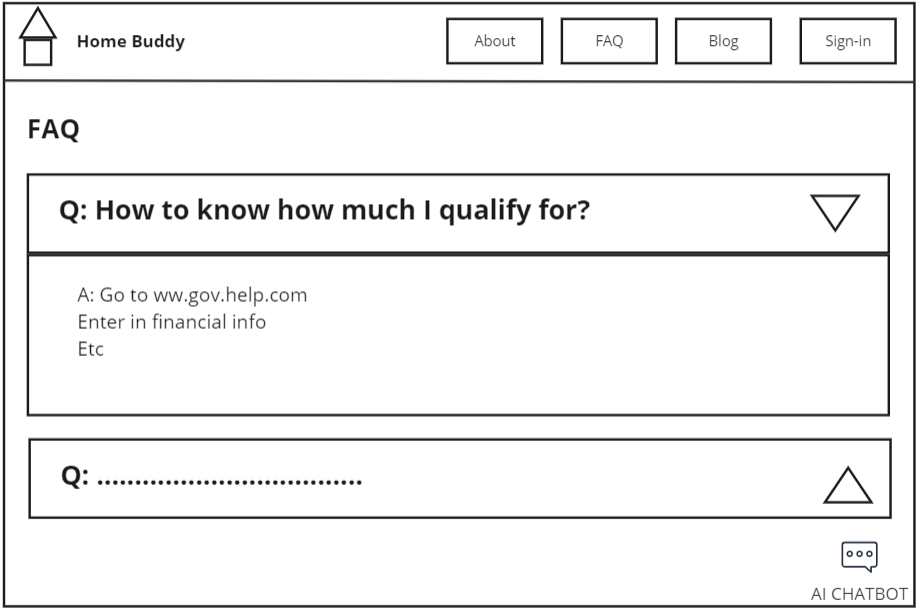
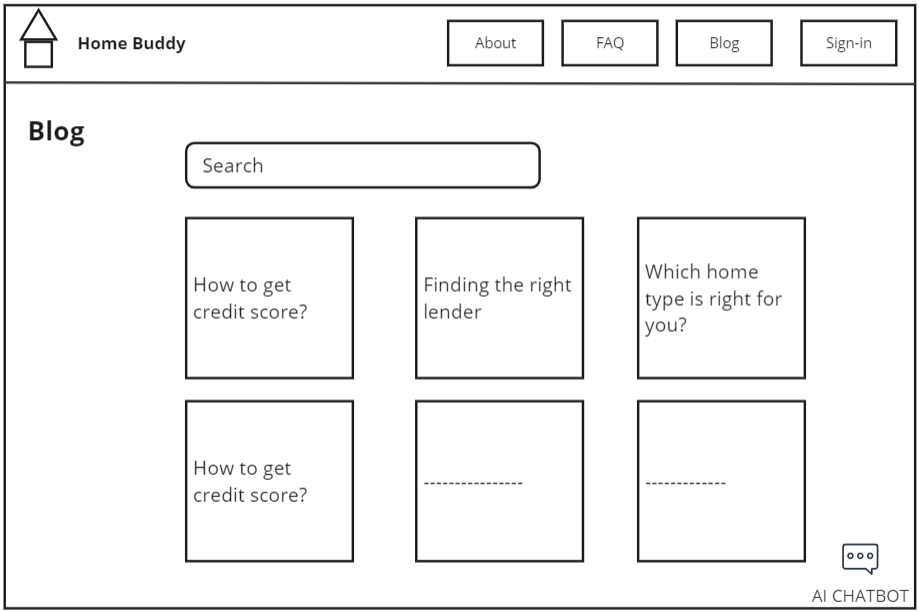
The team website gives more project details and links to the Figma prototype below. View Website →
Low-fidelity paper prototype
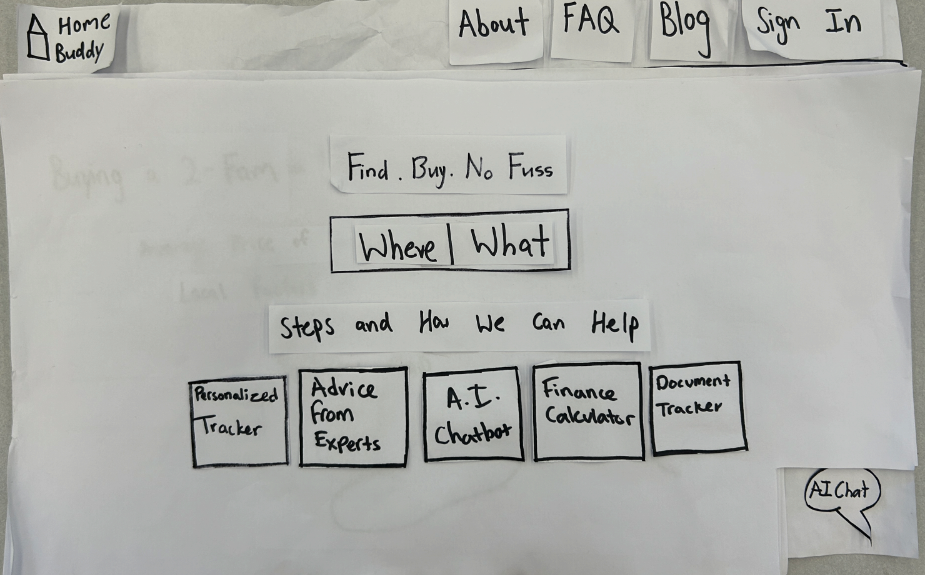
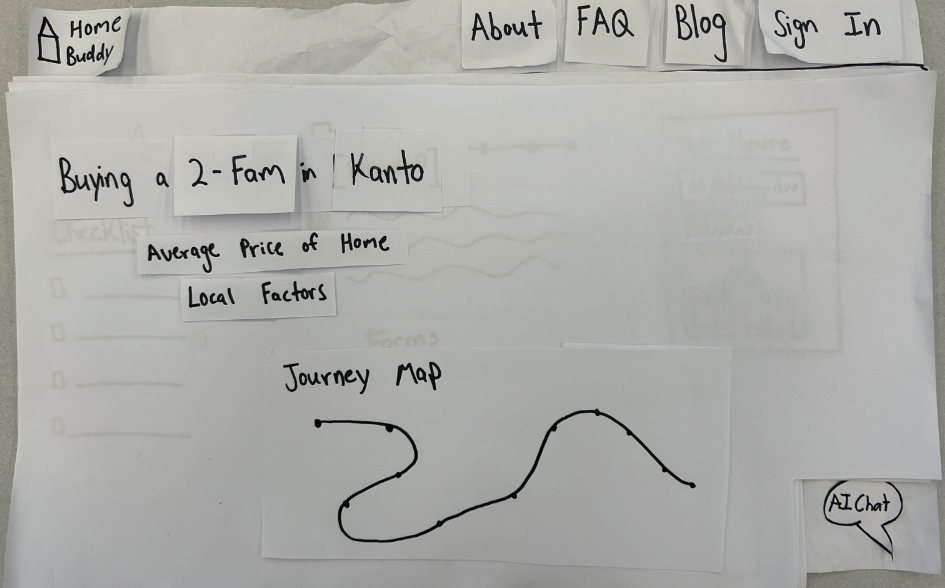
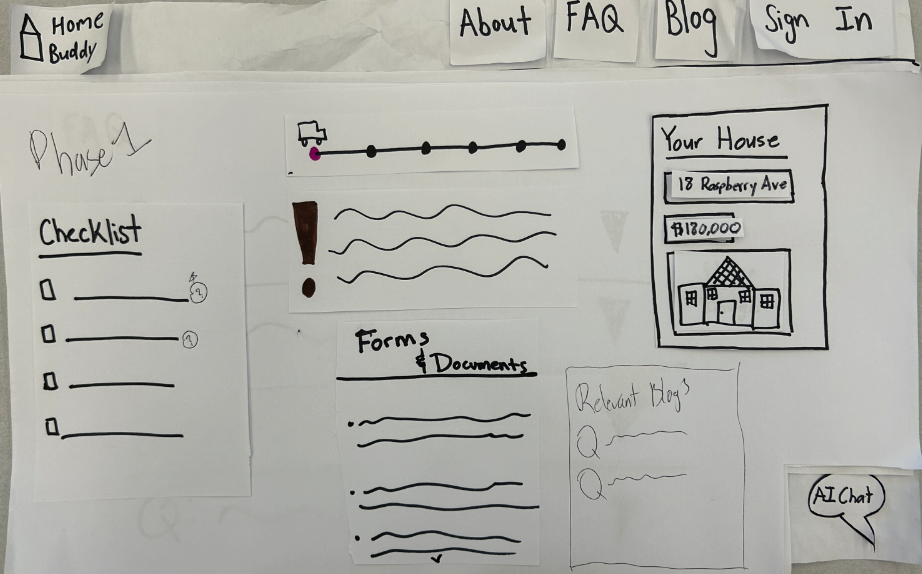
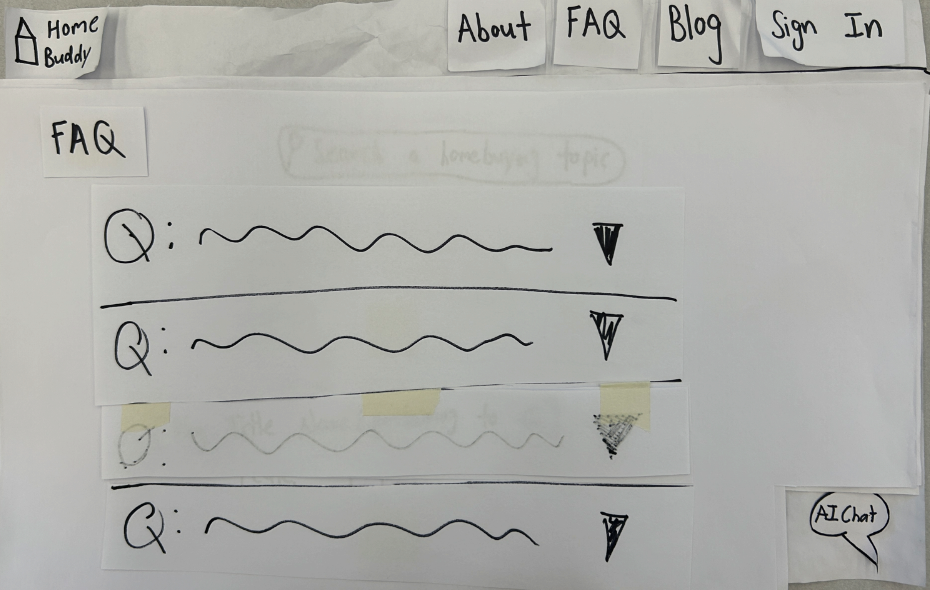
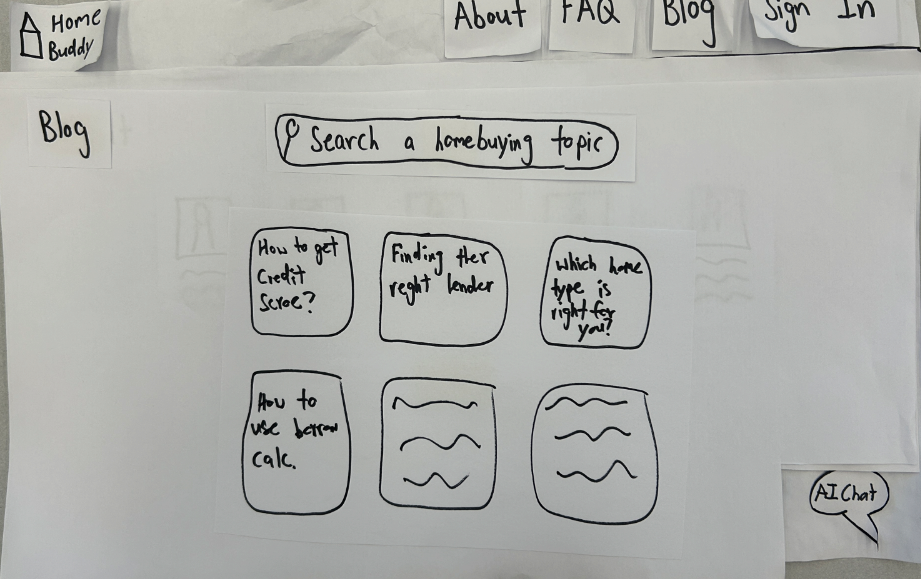
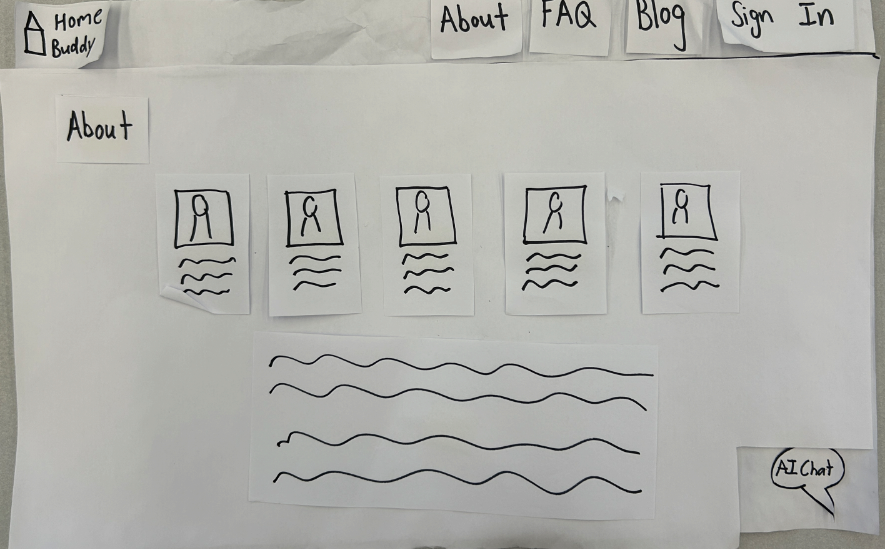
Low-fidelity digital prototype (for virtual co-designs)
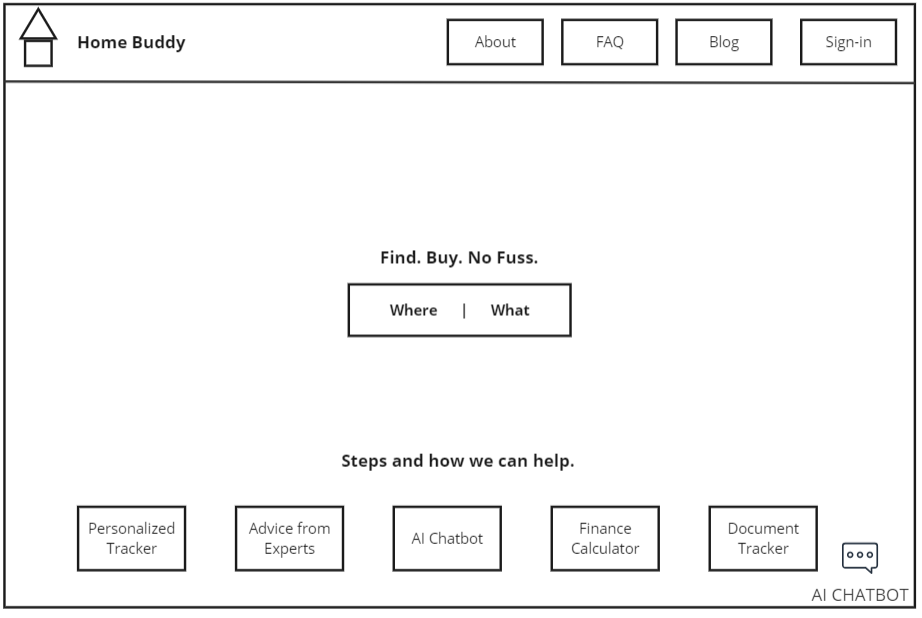
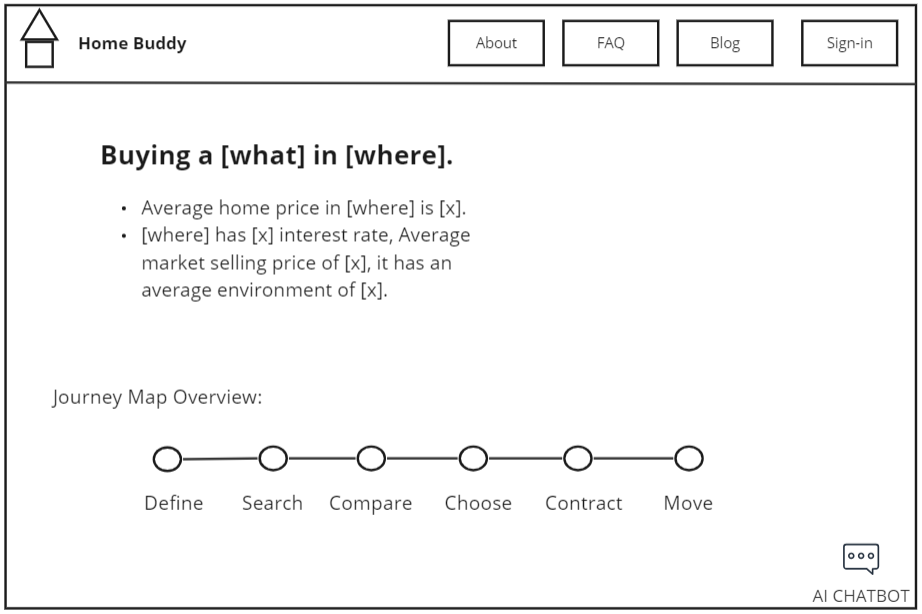
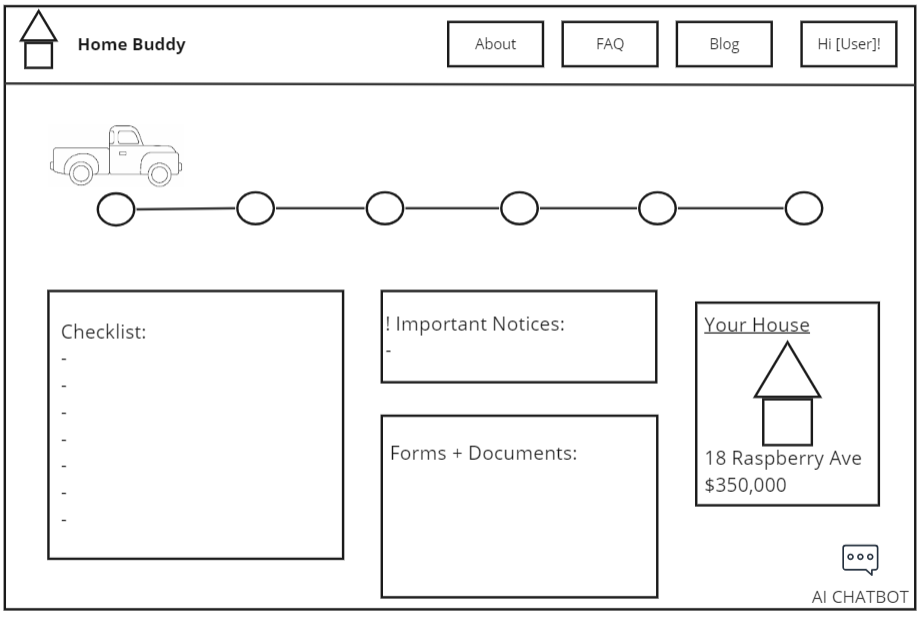
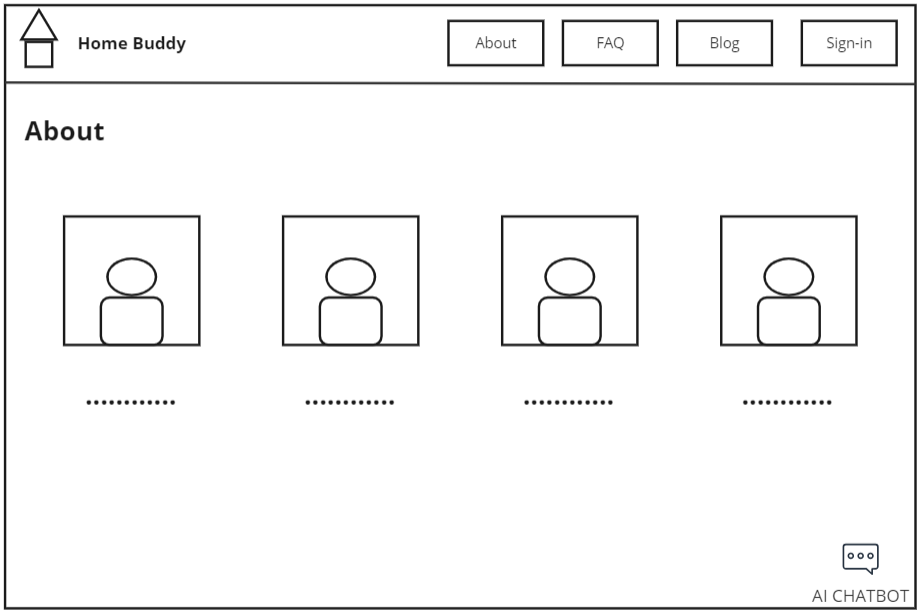
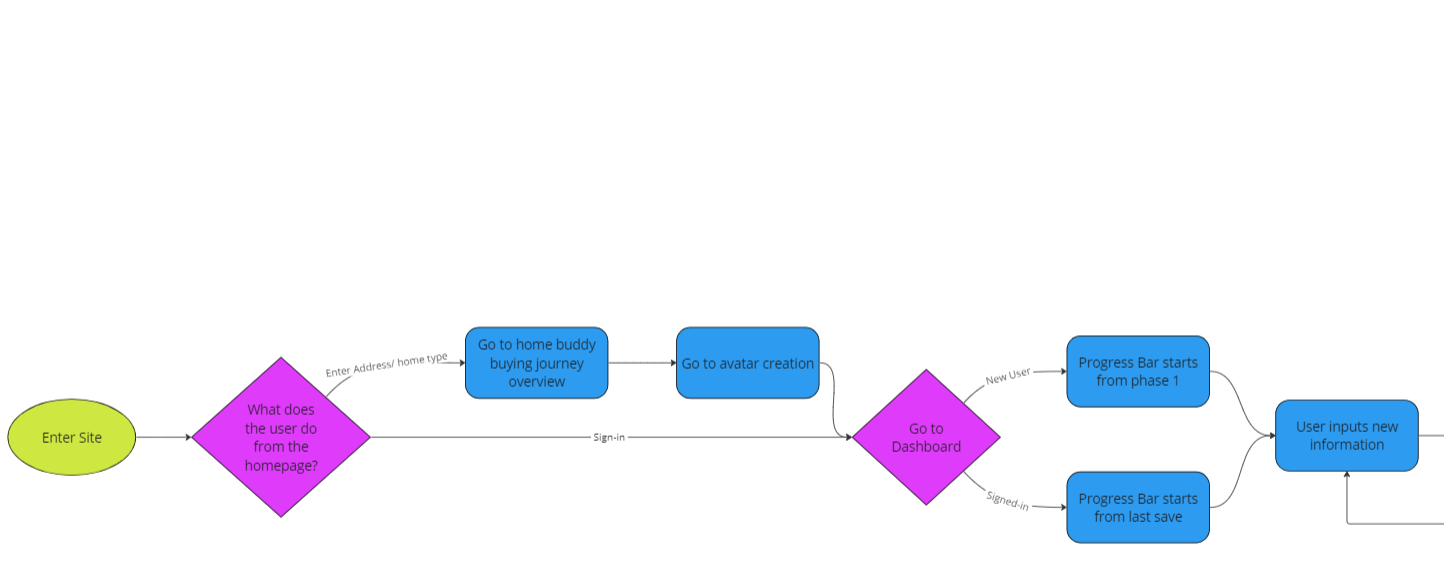
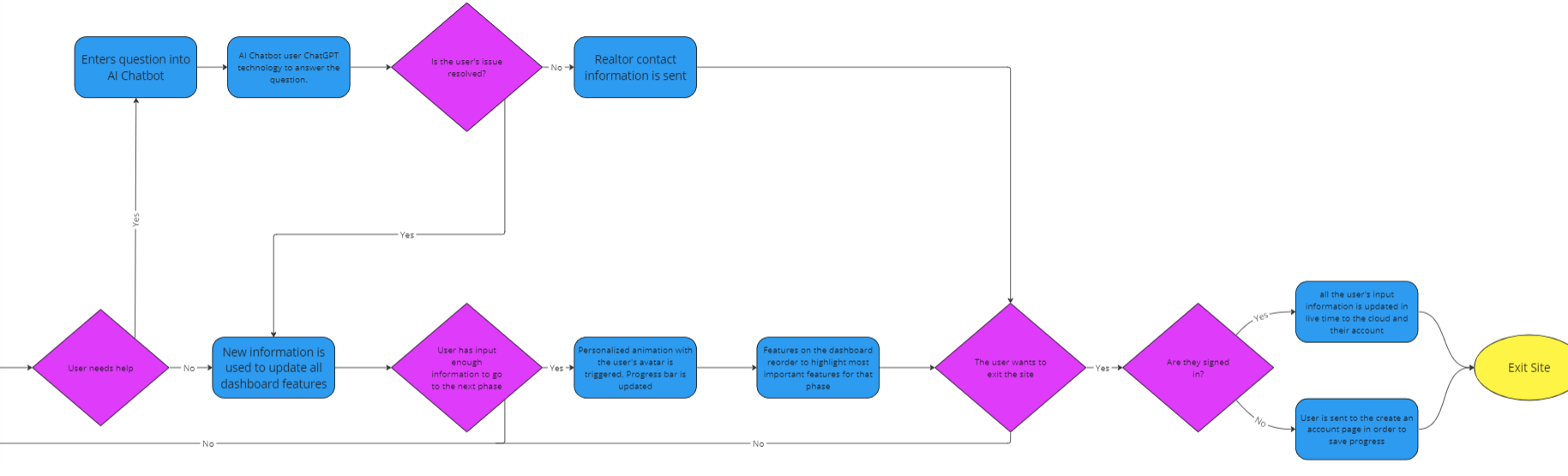
Website flow diagram